
Architectural modeling in Revit often feels accurate because geometry responds immediately. Walls align, levels resolve, views update, and the model looks correct almost as soon as it is built. Such feedback creates confidence and a sense of real progress.
Accuracy, however, is rarely tested at the moment it’s created. It’s tested later, once the project moves into documentation.
By then, small issues have had time to settle into the model, and correcting them is no longer trivial.
Let’s look at what creates this gap in architectural modeling, and how addressing it earlier can reduce rework without slowing down everyday design work.
Accuracy in Architectural Modeling Has Two Layers
Architectural modeling is usually judged by what can be seen. If the geometry looks right, the model is assumed to be accurate. Revit reinforces this assumption by making visual feedback fast, forgiving, and uninterrupted.
That assumption is incomplete.
Accuracy in architectural modeling has two layers, which do not behave in the same way.
The first is visual accuracy. Geometry aligns, dimensions resolve, and drawings appear correct. This layer supports creativity and speed, and it is where most designers naturally focus.
The second is informational accuracy. This includes how elements are structured, assigned, named, categorized, and scheduled. It determines whether the model behaves predictably when reused for documentation, coordination, quantities, or handover.
These two layers can drift apart subtly.
Geometry is forgiving when things drift slightly out of alignment. Information is far less flexible. A model can appear complete while quietly becoming harder to rely on, and that difference is where late-stage rework begins.
Why Rework Appears Late in Revit Projects
Revit is built to keep architectural modeling moving. As long as geometry can be placed, edited, and displayed, work continues without interruption. Structural inconsistencies rarely slow performance, block commands, or trigger warnings. From the system’s perspective, the model remains valid.
This creates a separation between action and consequence.
Elements can be created with incomplete or inconsistent information and still behave normally in the moment. Nothing signals that a problem has been introduced, because nothing appears broken yet. The model continues to respond, and progress feels uninterrupted.
The consequences surface later, when the model is reused for a different purpose. Decisions made during modeling reappear as coordination questions, documentation issues, or data mismatches. Often, they are discovered by someone else, working in a different phase, with limited context for how the issue started.
By the time these problems become visible, they are already woven into the model. They affect views, schedules, and downstream outputs at once, making correction a coordination effort rather than a simple fix.
This is why rework shows up late. It is not accidental or inconsistent. It is the natural result of a system that allows structural accuracy to go unchecked while work continues.
Why Accuracy and Fixes Break Down in Real Revit Projects
Understanding why rework appears late does not make it easy to prevent. Even teams with clear standards and experienced staff struggle to maintain accuracy as projects scale.
Architectural modeling requires constant context switching. Designers move between views, element types, and tasks while responding to design input and coordination constraints. Structural rules exist, but they compete for attention with more immediate decisions. Under sustained speed, consistency depends on memory and timing, both of which degrade quickly.
When issues finally surface, teams turn to familiar correction tools. Data is exported to spreadsheets for cleanup. Scripts are written to batch-fix inconsistencies. Larger plugins are introduced to centralize control. Each approach can help in specific situations, but all of them operate after the model has already drifted.
At that point, the work shifts from modeling to recovery. Time is spent tracing where the issue spread, coordinating fixes across the model, and checking that those fixes did not introduce new problems. Design work slows as attention moves to validation and repair.
This is why rework persists even in well-run projects. Manual attention does not scale, and tools applied after issues appear tend to increase coordination effort rather than reduce it. Once inconsistencies have spread, rework cannot be prevented. It can only be managed.

How Early Feedback Inside Architectural Modeling Solves This
When both manual discipline and late-stage fixes fall short, the question is no longer how to enforce accuracy, but when accuracy can still be influenced.
There is only one moment where small inconsistencies are easy to correct and unlikely to propagate. It is the moment they are introduced.
Feedback that appears during modeling changes how problems behave. Issues can be corrected in place, with full context still available, before decisions settle and before corrections begin to affect other parts of the model.
At that stage, accuracy no longer relies on reviews or reminders. It is supported by the workflow itself. Designers stay focused on intent, while structure is maintained quietly in the background as part of normal work.
This is the leverage point. Not after inconsistencies have spread, and not through heavier controls, but inside the modeling moment itself.
How Consense Reduces Rework at the Source
BetterWorkset++ targets one of the most common and quietly expensive structural weak points in Revit: workset assignment.
Instead of relying on memory and manual switching, BetterWorkset++ automatically assigns worksets based on category, family, or type. Designers continue modeling exactly as they always have. When an element does not belong on the active workset, the mismatch is surfaced immediately, not discovered weeks later.
This changes the timing of feedback.
Incorrect assignments are corrected before they spread. Designers stay in flow. BIM managers spend less time repairing structure. Coordination issues have fewer opportunities to form.
The aim is to prevent the model from quietly degrading while keeping everyday work fast and flexible. Better Worksets++ supports that by removing one of architectural modeling’s most fragile assumptions, without adding new steps or disrupting how teams already work.
What Changes When Accuracy Improves Early
When accuracy improves early in architectural modeling, the entire workflow stabilizes.
Designers experience fewer late-stage interruptions and less second-guessing. Modeling sessions feel continuous rather than fragmented.
BIM managers shift from cleanup to guidance. Time moves away from auditing inconsistencies and toward improving standards and anticipating downstream needs.
Downstream teams receive data that behaves predictably. Coordination improves. Documentation aligns earlier with design intent. Handover becomes less fragile and less dependent on manual explanation.
Most importantly, the model scales. As teams grow and project complexity increases, small inconsistencies no longer multiply into major coordination problems.
Rework appears less frequently and stays contained. Small issues are resolved before they spread, instead of accumulating into late-stage cleanup.
Improve Architectural Modelling Accuracy and Reduce Revit Rework with Consense
Rework in architectural modeling is rarely the result of carelessness. It is the result of structure arriving too late.
Revit encourages momentum. It rewards visual continuity and rarely pushes back when information becomes inconsistent. As long as accuracy is judged mainly by what the model looks like, problems will continue to surface late, when they are most disruptive and expensive to fix.
Consense exists to change that dynamic.
By embedding lightweight structure and early feedback directly into Revit, Consense tools move accuracy closer to the moment decisions are made. Issues surface while context is still present and adjustments are easy, before small inconsistencies have a chance to spread.
The most reliable architectural models are the ones that reveal problems early, while there is still room to act.
If you want to reduce rework without slowing down, try BetterWorkset++ or explore the Consense plugin suite with a 30-day free trial.
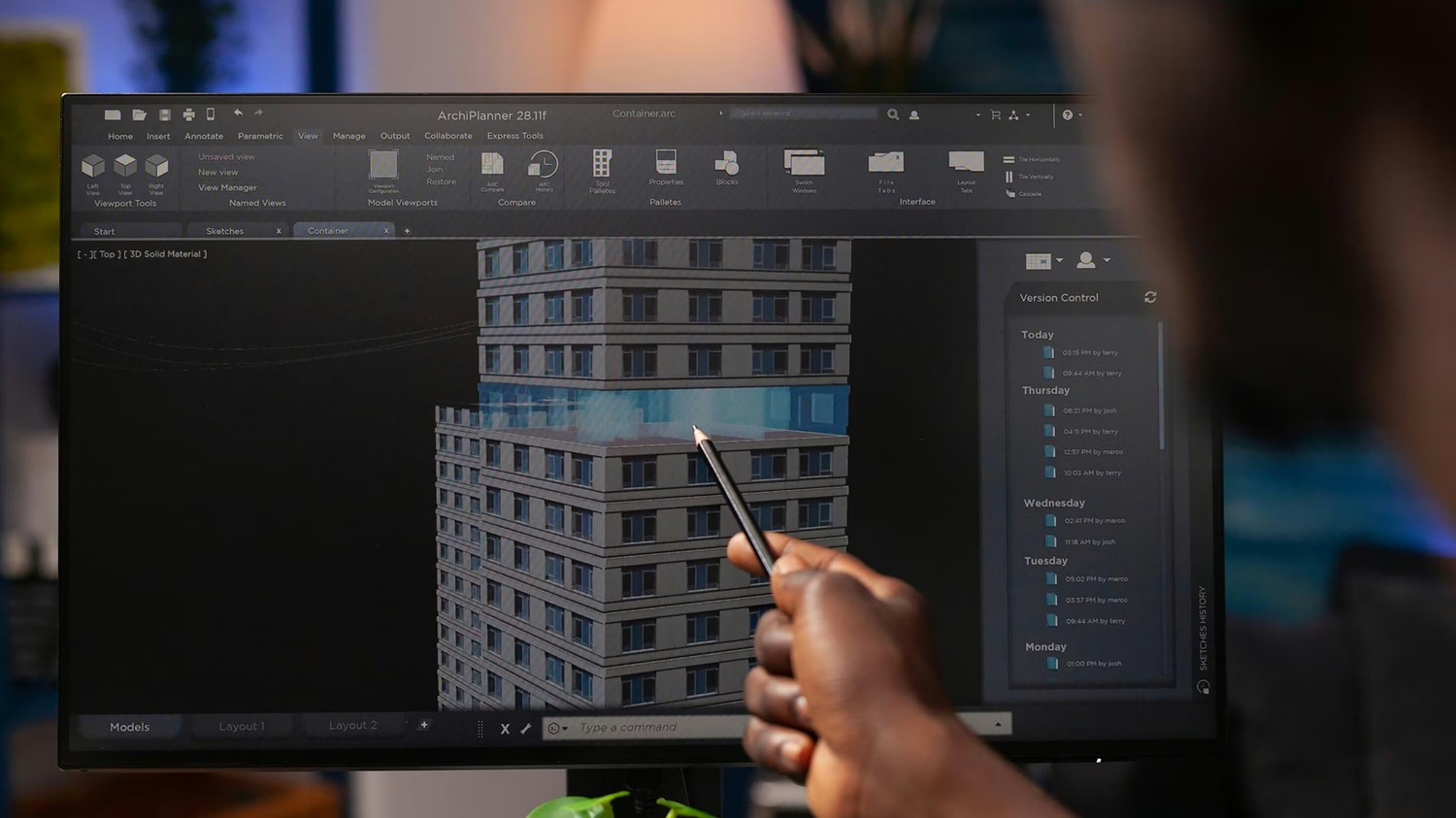
Image note: The header image for this article was generated with the assistance of AI-based image tools and selected by the Consense team.